Google AI Overviews Visibility and Measurement
A practical guide to Google AI Overviews visibility covering Search Console limits, current monitoring tools, and the on-site work that actually matters.
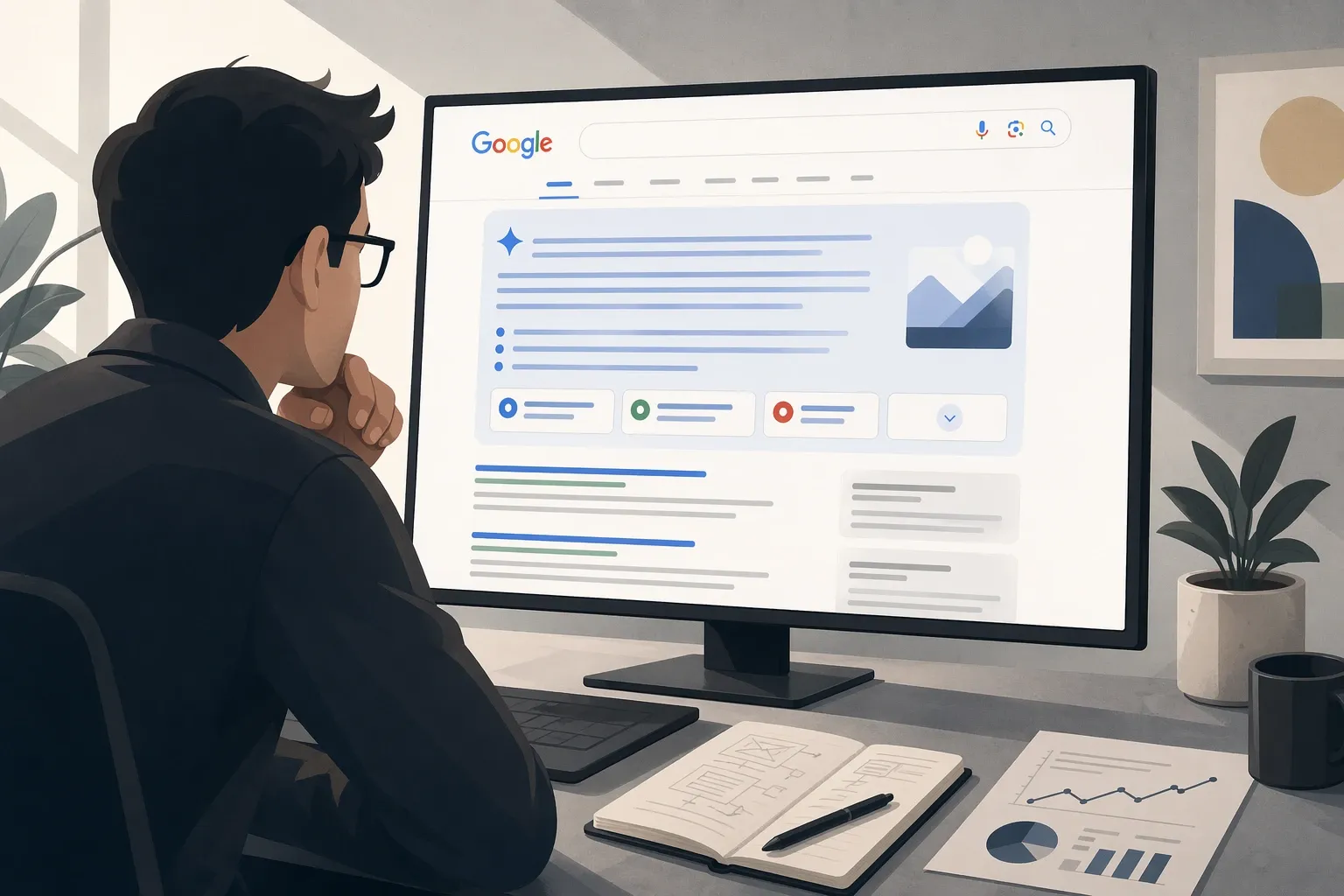

Google’s own documentation makes the baseline very clear: AI Overviews and AI Mode are part of Search, and the same core SEO best practices still apply. There’s no special AI Overview schema, no extra eligibility file, and no secret switch you have to flip to appear there (Google Search Central).
That’s good news for operators. It means Google AI Overviews visibility is a measurement and execution problem, not a separate optimization religion. For the full picture of how AI Overviews fit into a combined SEO and GEO program, see our GEO strategy guide.
What Google explicitly says
According to Google Search Central:
- there are no additional requirements to appear in AI Overviews or AI Mode
- pages must still meet the normal technical requirements for Search
- structured data should match visible page text
- Googlebot controls how Search accesses your content in AI features
That last point matters. Google says AI features in Search are governed by normal Search controls and Googlebot crawling, while Google-Extended is for limiting AI training and grounding in some other Google systems, not for controlling AI Overviews in Search (Google Search Central).
If a vendor tells you there’s a separate Google AI Overviews optimization standard, raise your bar. Google’s public guidance says the normal Search fundamentals still apply.
What Search Console does and doesn’t tell you
Google also states that AI features in Search are counted within the normal Web search type in Search Console. That means Search Console still matters, but it doesn’t give you a clean AI Overviews-only view (Google Search Central).
What you can use it for:
- tracking overall organic performance for pages that may also appear in AI Overviews
- watching clicks, impressions, and page-level trend changes
- combining Search Console with analytics to understand downstream quality
What it doesn’t give you cleanly:
- a dedicated AI Overviews filter
- explicit prompt-level mention tracking
- a list of every query where your brand was cited inside the AI answer
That gap is why teams still use third-party monitoring tools. For a deeper look at how AI Overviews affect traditional click-through rates, see our analysis of AI Overviews versus organic clicks.

Current tool options
These are the public tools with current pricing or public packaging we could verify.
| Tool | Current public pricing | Notes |
|---|---|---|
| Hall | Free Lite, Starter $239/mo or $199/mo annual, Business $599/mo, Enterprise from $1,499/mo | Includes Google AI Overviews monitoring on the public pricing page |
| OtterlyAI | Lite €29/mo, Standard €189/mo, Premium €489/mo | Tracks AI Overviews by default; Gemini and AI Mode are add-ons |
| Scrunch | Core $250/mo, Enterprise custom | Public pricing page plus AI Overviews support in the brand plans; agency pricing starts higher |
| Semrush AI Visibility Toolkit | $99/mo | Add-on product; public limits and no free trial |
| Ahrefs Brand Radar | Brand Radar AI from €179/mo; custom prompt packages €46.7/mo, €93/mo, and €234/mo | Public standalone pricing |
| SE Ranking | Core $129/mo, Growth $279/mo | GEO is part of the core plans; AI Search add-on tiers are 200 checks $89/$71.20 annual, 450 checks $179/$143.20, and 1,000 checks $345/$276 (help article) |
| Profound | quote-based | Enterprise-led buying motion |
| BrightEdge AI Catalyst | quote-based | Best fit when already inside BrightEdge |
| seoClarity ArcAI | quote-based | Enterprise AI-search suite packaging |
How to monitor AI Overviews in practice
Most teams only need a simple cadence:
- Build a prompt list around the informational, comparative, and research queries that matter.
- Separate prompts that actually trigger AI Overviews from prompts that don’t.
- Track whether your brand is mentioned, cited, or linked.
- Tie the tracked pages back to Search Console and analytics to see whether the supporting pages are also improving.
That process is much more reliable than staring at one top-level traffic graph and trying to infer what AI Overviews did. If you also need to track how Gemini references your brand outside of Google Search, our Gemini brand mention tracking guide covers the tooling options.
What actually improves AI Overviews visibility
The guidance is the same direction Google publishes for AI features:
- make sure the page can be crawled and indexed
- keep important content in visible text, not hidden behind brittle client-side rendering
- improve internal linking to important pages
- use structured data only when it matches the visible content
- keep organization, product, merchant, and local business information current where relevant
There’s no separate “AIO trick.” There’s only better search execution on the pages Google is likely to use as supporting links.

When agency help makes sense
Use outside help when:
- you need a working prompt set and reporting layer quickly
- your content and search teams are already overloaded
- the hardest part is prioritization, not basic implementation
Keep it in-house when:
- your SEO function already owns reporting and content prioritization
- your team can add AI Overviews monitoring without creating another disconnected workflow
Bottom line
Google AI Overviews are important, but the story is simpler than most vendors make it sound.
You don’t need special eligibility tricks. You need to understand what Search Console shows, add a monitoring layer where necessary, and improve the actual pages Google has reasons to surface. If you’re evaluating monitoring tools, our best GEO platforms comparison covers current pricing and feature differences.